Using Free or Low Cost AI Tools to Optimize Your Hydroponic System Without Buying a Smart Controller
Using free or low cost AI tools, you can get “good enough” smart control for a home hydroponic system by logging your sensor readings, feeding that data into an AI assistant, and then tweaking your timers, lights, and nutrient strength by hand a few times per week. You will not get the same full automation as a commercial controller, but you can still improve stability, reduce guesswork, and catch problems earlier without spending hundreds of dollars. Over a few crop cycles, this manual AI assisted workflow becomes a solid stepping stone before investing in a dedicated controller.
TL;DR: Track pH, EC, temperature, light and plant notes in a simple log, export to CSV, then use free or low cost AI tools to spot patterns and recommend adjustments that you apply manually. This hybrid approach works especially well for leafy greens and herbs in simple systems like Kratky, DWC, and small NFT or drip setup.
What does “AI powered control on a budget” actually mean?
For this article, “AI powered control” does not mean a fully automated system that opens valves or doses nutrients for you. It means using AI tools to analyze your data and give you recommendations, while you still flip the switches and mix the nutrients yourself. You are essentially renting a virtual grow consultant that reads your logs and points out trends you might miss.extension.okstate+2
In practice, budget AI powered control looks like this: you collect sensor readings and observations, save them to a spreadsheet or notebook, then regularly paste or upload that data into a chat style AI tool for quick analysis and next step suggestions. Instead of buying a $500–$1,500 controller, you spend time and a small or zero subscription fee and keep full control over your pumps, lights, and dosing.
Why use AI instead of buying a smart hydroponic controller?
Dedicated hydroponic controllers monitor pH, EC, temperature, and sometimes light and then automatically dose nutrients or acid to keep everything in range. They are great when you have a large system, limited time on site, or need tight consistency across many crops.getgrowee+1
However, for home growers and hobbyists, there are several reasons to start with an AI assisted manual approach:
- Cost: Commercial controllers plus probes and plumbing often land in the $500–$4,000 range, which is overkill for a 10–30 gallon home system.extension.
- Flexibility: Manual control lets you experiment with different schedules, nutrient strengths, and plant mixes without reprogramming a complex device.
- Learning: Reviewing data with AI regularly teaches you how pH, EC, and temperature actually behave in your specific environment so you become a more confident grower.
- Resilience: If you eventually upgrade to a controller, you will already understand how to sanity check its readings and catch probe or dosing failures.
Smart hydroponic controllers → Hydroponic Automation Supplies
Which hydroponic systems and plants benefit most from this budget AI approach?
This method works best for systems where:
- The nutrient reservoir is relatively small (5–40 gallons).
- You can access the reservoir daily or at least several times per week.
- Changes in pH and EC happen slowly enough that manual correction is practical.
Good fits include:
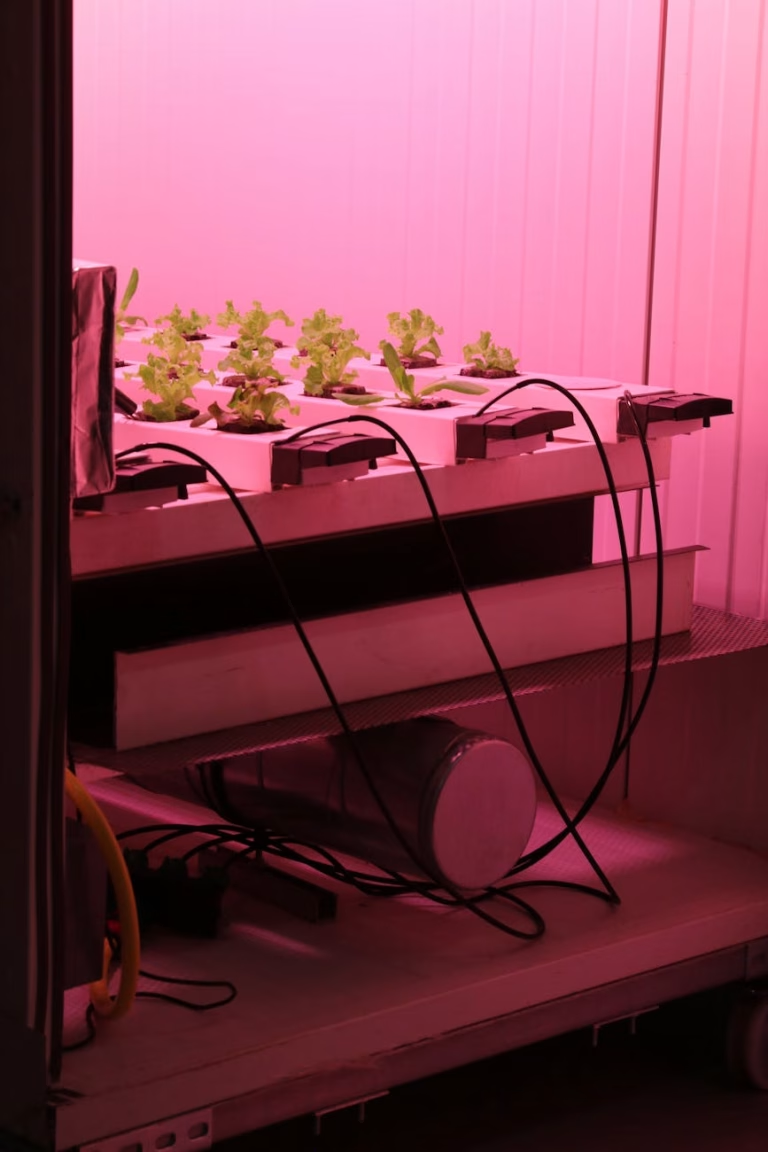
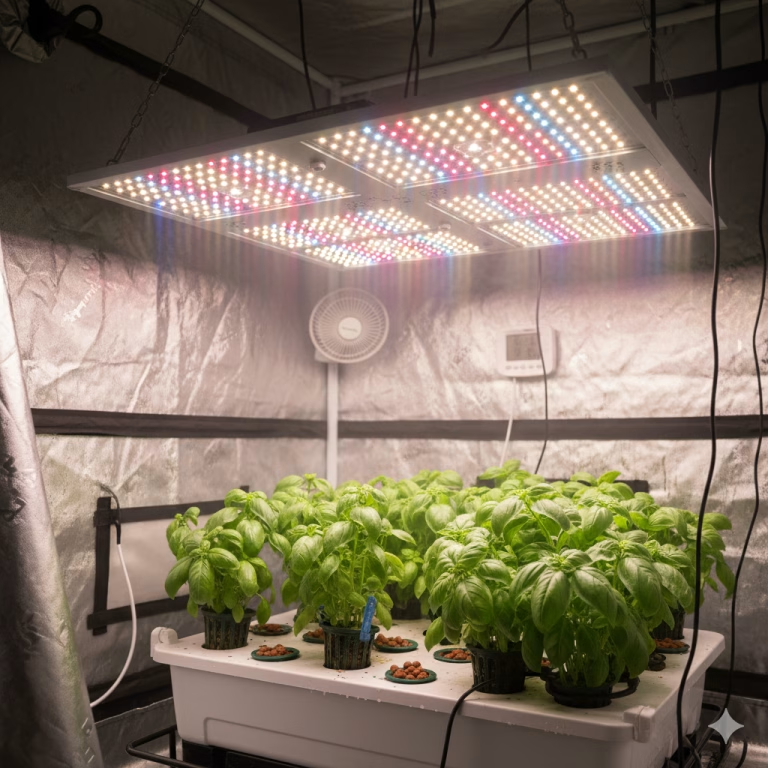
- Deep Water Culture (DWC) buckets and totes for lettuce, basil, cilantro, and other leafy greens.
- Kratky tubs and jars for lettuces, herbs, and leafy Asian greens where you still want to track basic trends.
- Small NFT channels for salad mixes and strawberries where flow and temperature can change quickly on hot days.
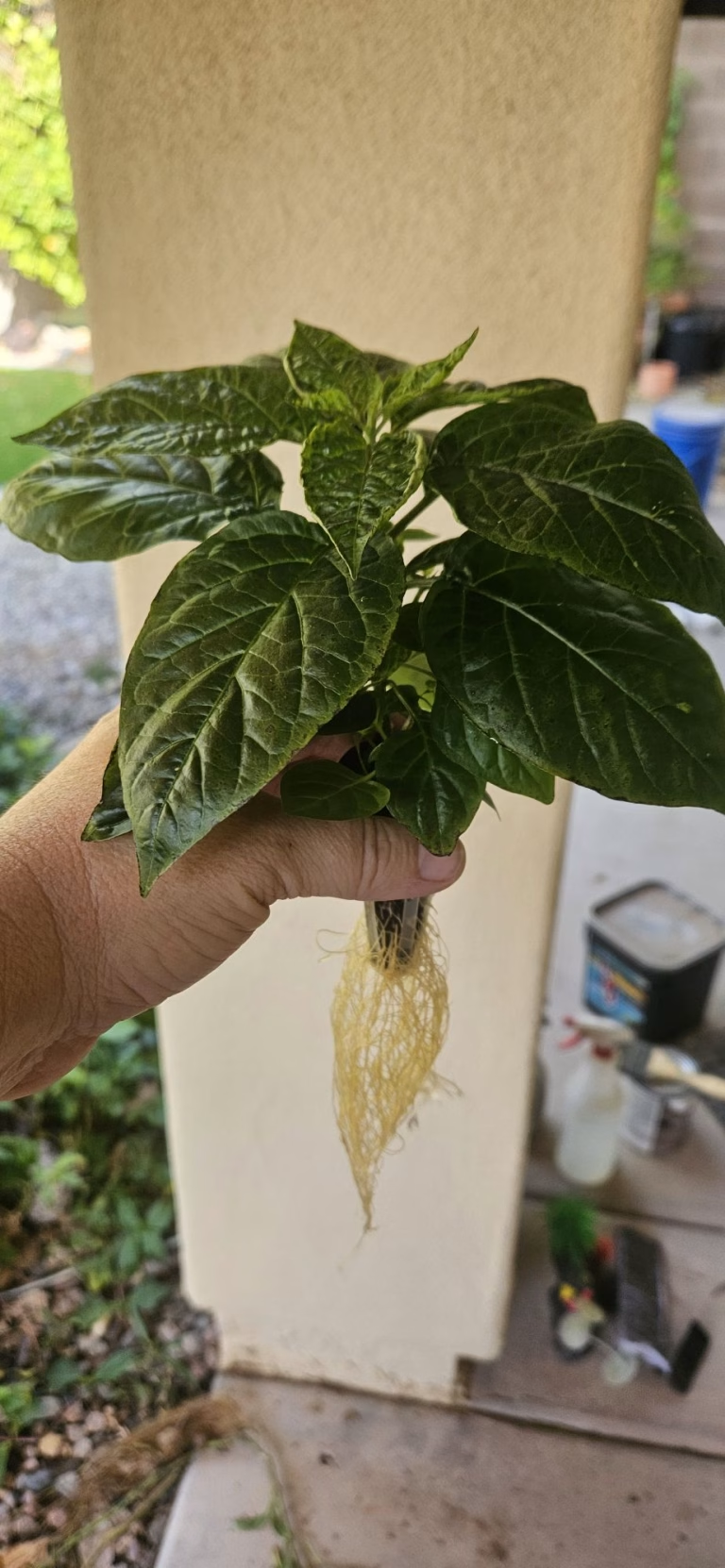
- Simple drip systems for peppers and tomatoes, especially in grow tents or balconies.
Systems that are less ideal for purely manual AI assisted control are large high density setups or commercial rooms where conditions shift quickly and labor to adjust everything by hand becomes significant. In those cases, AI is still useful for tuning the controller rather than replacing it.
Types of hydroponic systems → Comparing Hydroponic System Types for Home Growers
What data should you log for manual AI assisted hydroponics?
To get useful advice from AI, you need consistent and minimally clean data, not perfection. Think in terms of “what would a human consultant want to see” about your system.
At minimum log:
- pH of the nutrient solution (1–2 times per day for small reservoirs).
- EC or TDS, which shows nutrient strength (daily or every other day).
- Water temperature and ambient air temperature, especially in hot climates like Phoenix where heat swings are real.
- Light schedule or hours on and off, plus any big changes in light distance.
- Plant observations, such as leaf color, growth rate, tip burn, or wilting.
If you already use a simple environmental sensor or DIY monitor, you might also track humidity and reservoir level for more context. Even a partial dataset is helpful as long as you include dates and times so the AI can follow how things change.
How to measure EC and pH → Guide to Hydroponic Nutrients
What low cost sensors and tools do you actually need?
You do not need lab grade gear for this workflow, but you do need meters that are reasonably accurate and stay calibrated.
Core tools:
- pH meter: A handheld digital pH pen or a 5 in 1 meter that covers pH, EC, temperature, and TDS is ideal.
- EC or TDS meter: If your pH pen does not measure EC, a separate EC/TDS meter is inexpensive and essential for nutrient strength.
- Thermometer: Many combo meters include temperature; otherwise, a cheap digital aquarium thermometer works for reservoir temp.
- Timer for pump and lights: Simple mechanical or digital timers or a basic smart plug are enough.
Optional tools:
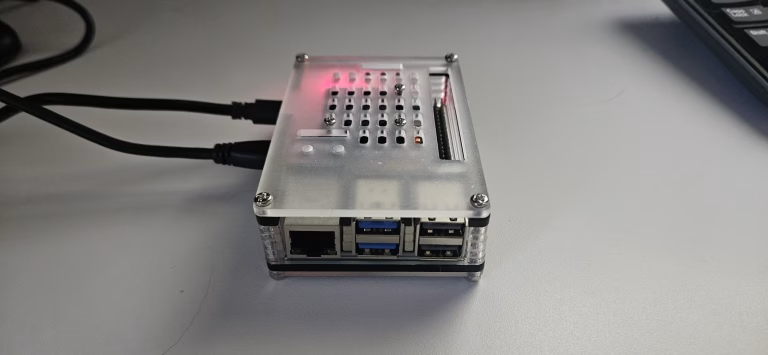
- DIY or off the shelf environmental sensor that logs temperature and humidity to a CSV file.
- A simple camera to take weekly or daily pictures, which you can describe to AI if you do not want to share images directly.
The key is that every reading can be tied to a date and time so that the AI can relate pH or EC swings to events like nutrient top ups or heat spikes.
Essential hydroponic tools and meters → Best pH Meters for Hydroponic Systems – Top Picks for 2025
How do you log hydroponic data in a way AI can read?
You can start with a notebook, but AI tools work best when your data is in a simple table format such as a spreadsheet or CSV file. The goal is to record each snapshot of your system as one row, with clear column headers.
Basic columns to include:
- Date and time
- System name (for example “2×4 tent DWC lettuce”)
- pH
- EC or TDS
- Reservoir temp
- Air temp
- Light on or off, or hours of light that day
- What you did (topped off water, added nutrients, raised light, changed pump schedule)
- Notes on plant condition
You can maintain this in:
- Google Sheets or Excel, then periodically download as CSV.
- A notes app that exports tables to CSV.
- An open source home automation or logging tool that lets you export data by sensor.
As long as the headers are clear, you can paste this directly into most modern AI tools or upload the CSV for analysis.
Hydroponic grow journal templates → The Complete Water Quality Testing Guide for Hydroponics
How do you use free or low cost AI tools with your hydroponic data?
Once you have at least a week or two of data, you can begin using AI the way you might use a spreadsheet expert friend. AI powered assistants can import CSVs, describe the structure, summarize trends, and even flag outliers or anomalies for you.
Common tasks you can ask AI to do with your hydroponic log:
- Summarize how pH behaved over the last 7–14 days and whether it tends to drift up or down.
- Check if EC has been stable, rising, or falling between top offs and nutrient changes.
- Correlate temperature spikes with increased pH drift or slower growth.
- Spot days where plant problems appeared and cross reference those with changes in EC, pH, or light duration.
Many general purpose AI tools can also generate simple charts and dashboards from your CSV, which makes it easier to see patterns at a glance without knowing any coding or data science. You can then use those visuals to decide if you want to adjust timers or nutrient strength.
What range targets should AI help you aim for?
AI is not a replacement for basic horticultural knowledge, so it helps to give it target ranges you consider reasonable. You can then ask whether your system stays within those bands or drifts away from them.
Typical starting points many home hydroponic growers use:
- pH: 5.5–6.0 for leafy greens and herbs, 5.8–6.3 for fruiting plants like tomatoes and peppers.
- EC: roughly 0.8–1.6 mS/cm for lettuce and leafy greens, 1.6–2.5 mS/cm for heavy feeding fruiting crops during peak growth.
- Reservoir temperature: 60–70°F for most small systems; warmer water holds less oxygen and can encourage root disease.
You can prompt AI with something like: “Assume ideal pH for my lettuce is 5.7–6.0 and EC is 1.0–1.4 mS/cm. Show me how often my system is outside those ranges and what seems to drive the drift.” That gives you a clear, actionable view of whether you are close enough or need regular corrections.
Optimal pH and EC ranges for hydroponic crops → Year-Round Indoor Hydroponics Planting Schedule with Crop Lists, Lighting, and Nutrient Tips
How do you connect AI insights back to manual timers and nutrient adjustments?
The power of this approach is in closing the loop: data, analysis, manual action, then more data. You ask AI to highlight patterns in your logs, then you translate those insights into simple physical changes.
Common changes based on AI insights:
- Adjusting top off frequency: If pH drifts up late in the week and EC climbs, AI may show that you are losing water to evaporation faster than nutrients, so you start topping off with plain water more often.
- Tweaking nutrient strength: If EC stays low and plant growth is slow despite cool temps and good pH, AI can help confirm that bumping nutrient strength slightly may be safe.
- Shifting light schedules: If your data shows leaf tip burn and EC rising on days with extra long light, you might dial back to a consistent vegetative schedule.
- Changing pump schedule: For NFT or drip systems, AI can help correlate dry periods or wilt events with pump off windows so you can shorten or eliminate those gaps.
Over a few cycles, you end up with a data backed “recipe” for your climate and system rather than copying generic schedules from internet guides.
Setting hydroponic light schedules → Hydroponic Photoperiods and LED Light Schedules by Crop (2025 Guide)
How does this compare to a dedicated smart controller?
A simple comparison table helps clarify when budget AI control is enough and when a dedicated controller starts making sense.
| Feature | AI assisted manual control | Dedicated smart controller |
|---|---|---|
| Upfront cost | Very low (meters, maybe AI subscription). | High (hardware, probes, plumbing). |
| Automation level | Recommendations only, you act manually. | Full dosing and control loop. |
| Data analysis depth | Flexible, depends on prompts and logs. | Built in dashboards and alarms. |
| Learning opportunity | High, you see cause and effect directly. | Moderate, more “set and forget”. |
| Best use case | Small home systems, experimentation. | Larger systems, commercial grows. |
| Risk of over automation mistakes | Low, you check every adjustment. | Higher if probes drift or pumps fail unnoticed. |
You can also treat budget AI control as a “trial run” before choosing a controller brand and feature set because you will already know how tightly you need pH and EC held and what alarms matter most in your environment.
All about automated dosing → Automated Nutrient Dosing: Set It and Forget It
How-To: Set up a budget AI assisted hydroponic control workflow
Title: Set up an AI assisted hydroponic control routine without a smart controller
Description: Use simple meters, a spreadsheet, and free or low cost AI tools to monitor, analyze, and manually tune your hydroponic system.
Materials and tools
- Hydroponic system (DWC, Kratky, small NFT, or drip).
- pH meter and calibration solution
- EC or TDS meter.
- Thermometer for reservoir temperature.
- Timers or smart plugs for pumps and lights.
- Computer or phone with access to spreadsheet software.
- Access to an AI assistant that can read tables or CSVs.
Step 1: Define your system and goals
Decide which system you will monitor and what plants you are growing, such as lettuce in DWC or peppers in drip, and write this in your log. Clarify your goals, such as faster growth, fewer pH swings, or less nutrient waste so you can ask the AI specific questions later.
Step 2: Create a simple logging template
Open a new sheet with headers for date, time, pH, EC, reservoir temp, air temp, light status, actions taken, and plant notes. If you run multiple systems, add a “system name” column so you can filter by setup later. Aim for a layout where each row describes one reading session.
Step 3: Start daily measurement habits
Measure pH, EC, and reservoir temperature at least once per day, ideally at the same time each day. Record your readings and note anything you change, such as topping off with water or nutrients or moving plants. Consistency matters more than perfection so do your best to avoid skipped days.
Step 4: Export your data for AI analysis
After 7–14 days, export your spreadsheet as a CSV file or copy and paste a table of recent rows. Provide this data to your AI assistant and describe your system, climate, and target ranges, so it can interpret the numbers in context.
Step 5: Ask targeted questions about patterns
Prompt the AI with focused questions, such as “How often is my pH outside 5.7–6.0, and what seems to cause the biggest swings” or “On which days did EC spike or drop sharply and what did I change those days.” Ask it to produce a short list of issues and suggested adjustments rather than generic advice.
Step 6: Translate AI suggestions into timer and dosing changes
Choose one or two suggestions at a time and implement them, such as slightly increasing nutrient strength, shortening pump off time at midday, or adding an extra top off mid week. Record what you changed explicitly in your log so the AI can see cause and effect the next time you analyze the data.
Step 7: Review results and refine over multiple cycles
Repeat the measurement and analysis cycle over several weeks or crop cycles to refine your “house recipe.” As you gain confidence, you can use AI to test “what if” scenarios such as different light durations or EC ramps for fruiting crops before you actually change your schedule.
Beginner DWC setup guide → Deep Water Culture (DWC) Hydroponics: The Complete Beginner’s Guide to Growing Faster
What are the main benefits and drawbacks of this approach?
Benefits:
- Low cost entry: You only buy basic meters and possibly a modest AI subscription, not dedicated hardware.
- Skill building: You learn to interpret pH, EC, and temperature instead of delegating everything to a box.
- Flexibility: Works across many system types and can grow with you as you add more sensors.
- Data literacy: You become comfortable exporting, reading, and discussing your own data in a structured way.
Drawbacks:
- Time commitment: You still have to measure, log, and adjust manually several times per week.
- No real time correction: If pH drifts overnight, nothing will fix it until you intervene.
- Data quality dependence: Bad meters or inconsistent logging can mislead both you and the AI.
- Learning curve: There is some upfront effort to build templates and learn how to ask precise questions.
What does this look like in real life for a home grower?
In a small indoor DWC system in a hot, dry climate, you might see pH drift upwards as water levels drop and EC climb as more water evaporates than nutrients. By logging these values and reviewing them with AI weekly, you could notice that by day four after a reservoir change, you consistently exceed your preferred pH and EC range.
In that situation, the AI might suggest increasing the frequency of plain water top offs and possibly shading or cooling the reservoir during the warmest part of the day. Over a few rotations, you see fewer tip burn issues and more consistent harvest times without ever buying a dedicated controller.
FAQ: Using AI tools instead of a smart controller for hydroponics
How much does an AI assisted manual setup cost compared to a smart controller?
Most home growers can get started with a decent pH meter, EC meter, and basic timers for well under a couple hundred dollars, plus free or low tier AI tools. In contrast, a full smart controller with dosing hardware and probes usually costs several hundred to several thousand dollars, especially for multi zone systems.
Is this approach too complicated for beginners?
It is approachable if you already check pH and EC occasionally because you are simply committing to doing it more consistently and logging it in a structured way. The AI handles the heavy lifting of pattern recognition, so you mainly follow step by step suggestions and learn as you go.
How often do I need to record data for AI to be useful?
Daily logging of pH, EC, and temperature is ideal for small systems, especially in environments with big temperature swings. If daily logging is not possible, aim for at least three times per week and always record when you make changes to nutrients, light, or pump schedules so the AI can connect your actions to results.
Can AI directly control my pumps and dosing equipment?
On its own, the AI you use in a browser cannot flip relays or pumps; it only reads your data and suggests actions. More advanced setups using open source automation platforms can integrate AI driven logic to control hardware, but that requires additional hardware and configuration beyond the scope of a budget manual system.
How long does it take to see improvement using AI assisted control?
You can often spot obvious issues like large pH swings or consistently low EC after one to two weeks of logging. Most growers will refine their schedule over one or two full crop cycles as they try different adjustments and examine how yield and plant health respond.
What are the biggest risks of this approach?
The main risk is trusting poorly calibrated meters or incomplete logs, leading to recommendations based on bad data. Another risk is making too many changes at once, which makes it hard to know what actually worked, so it is better to adjust gradually and track each change explicitly.
Do I still need basic pH and EC knowledge if I use AI?
Yes, you should still understand what pH and EC mean and roughly what ranges your plants prefer, because you are responsible for deciding whether a recommendation makes sense. Think of AI as a coach that can analyze your stats, not a replacement for your judgment or safety checks.
Which free or low cost AI tools work best for hydroponic data?
Any tool that can accept pasted tables or CSV files and answer follow up questions works, including many browser based assistants. If you already use data friendly platforms for other work, look for features like CSV upload, chart generation, and the ability to remember your system context between sessions.
When should I consider upgrading to a smart controller after starting with AI assisted manual control?
If your system grows large enough that you cannot realistically measure and adjust by hand, or if your data shows frequent dangerous swings between visits, a controller starts to make sense. Upgrading is also worthwhile if you need remote alarms, automated dosing stability for critical crops, or simply want to reclaim your time once you understand the patterns in your specific setup.
Author note
I grow and test hydroponic systems year round in and around Phoenix, Arizona, where high heat, low humidity, and big temperature swings are the norm for home growers. From multiple runs in small DWC buckets, Kratky tubs, and tent based systems, I have seen how simple data logging and AI assisted analysis can significantly improve stability without expensive controllers. My focus is on practical, real world setups that apartment gardeners and backyard growers can actually maintain with basic tools, clear routines, and a modest budget.
Share this:

Discover more from Soil Free Harvest
Subscribe to get the latest posts sent to your email.